4.0 Global Customer Rating Over 2 million customers since 2013 Based in Europe Free delivery order over €30+
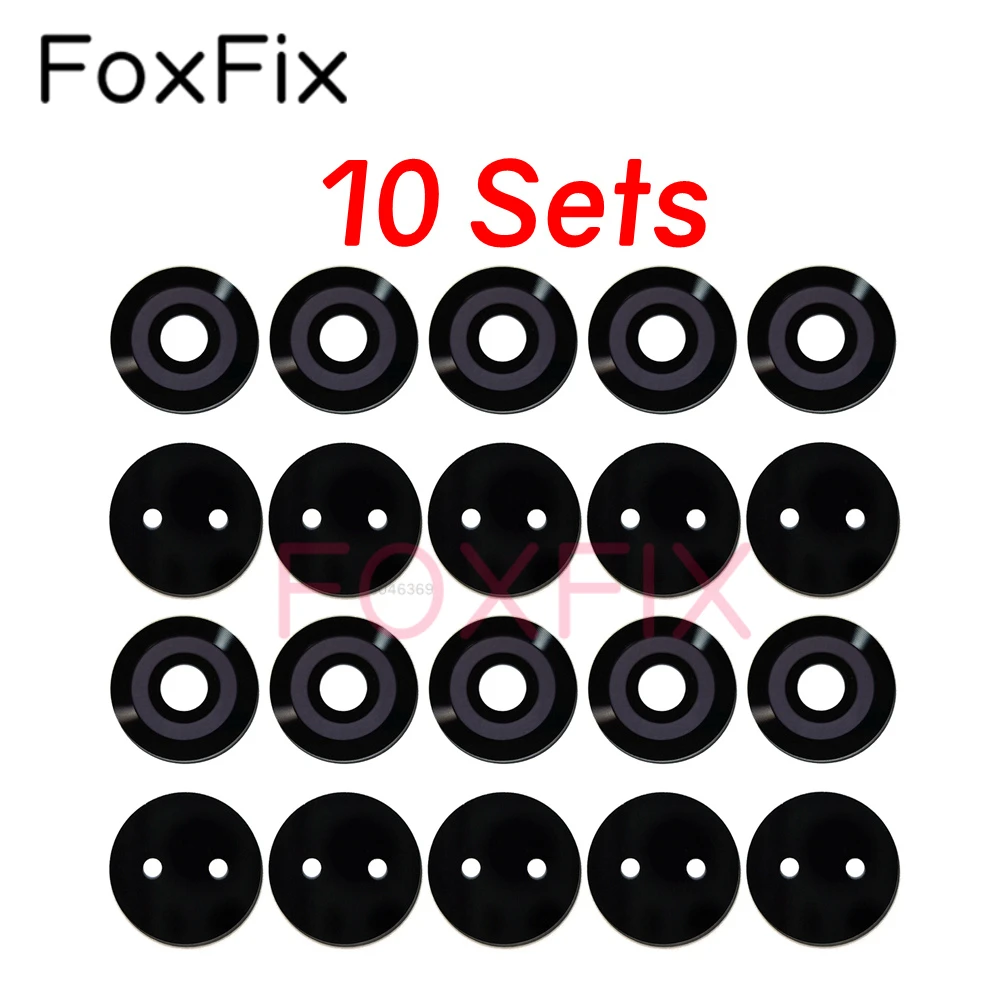
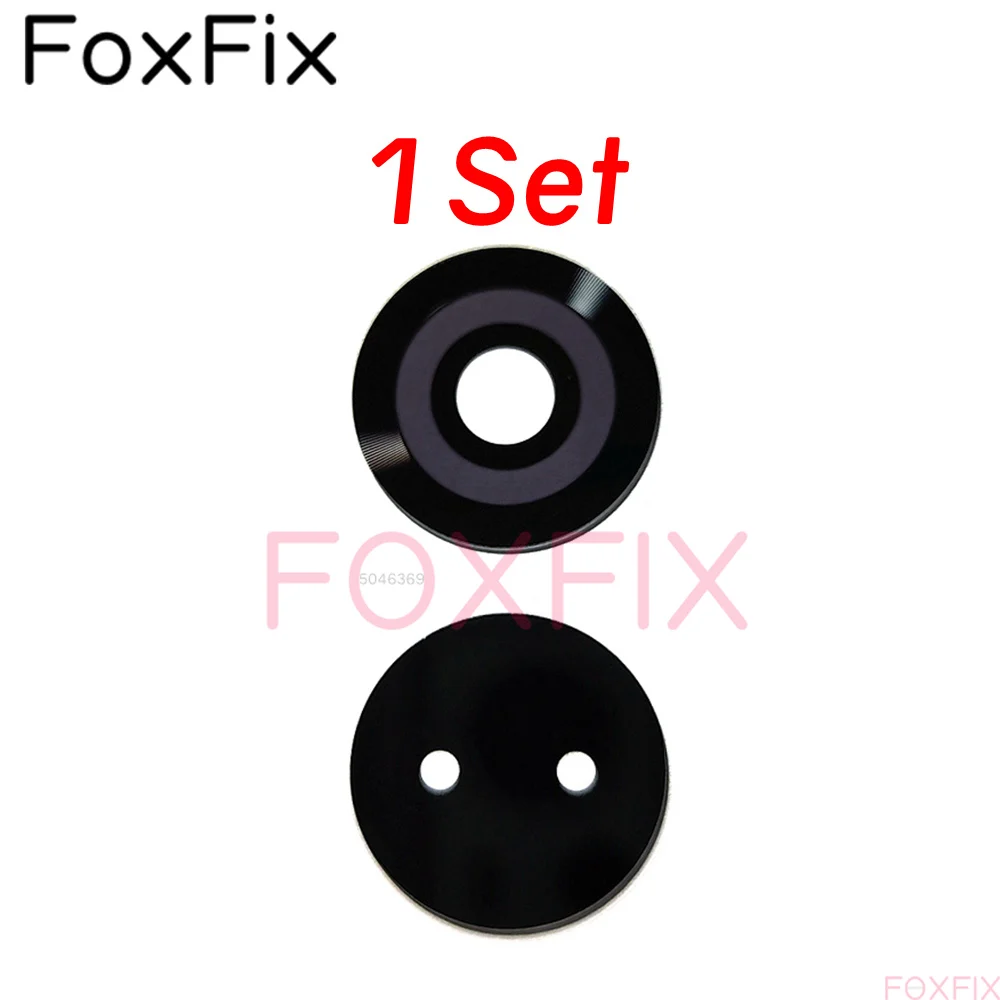
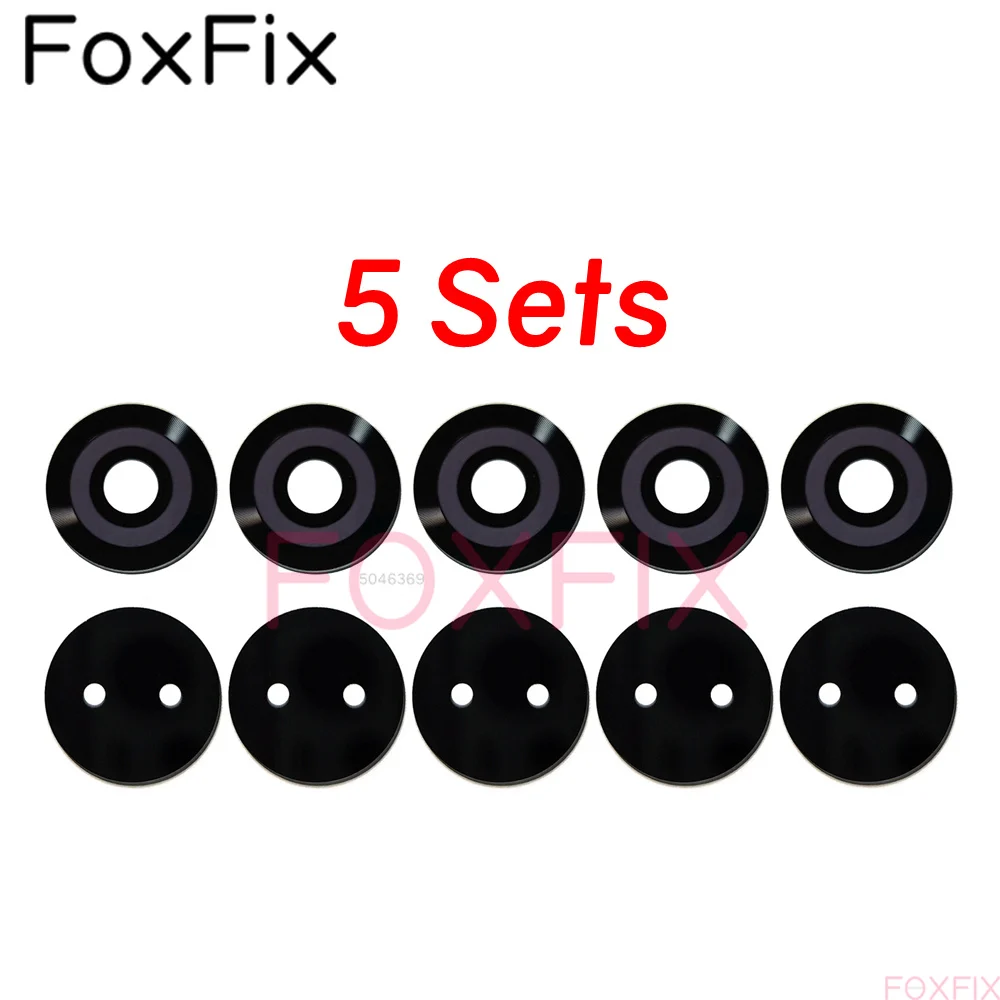
Enhanced Rear Camera Lens Glass Replacement with Adhesive Sticker (10 Sets)
Colour: 10 Sets
Product Overview:
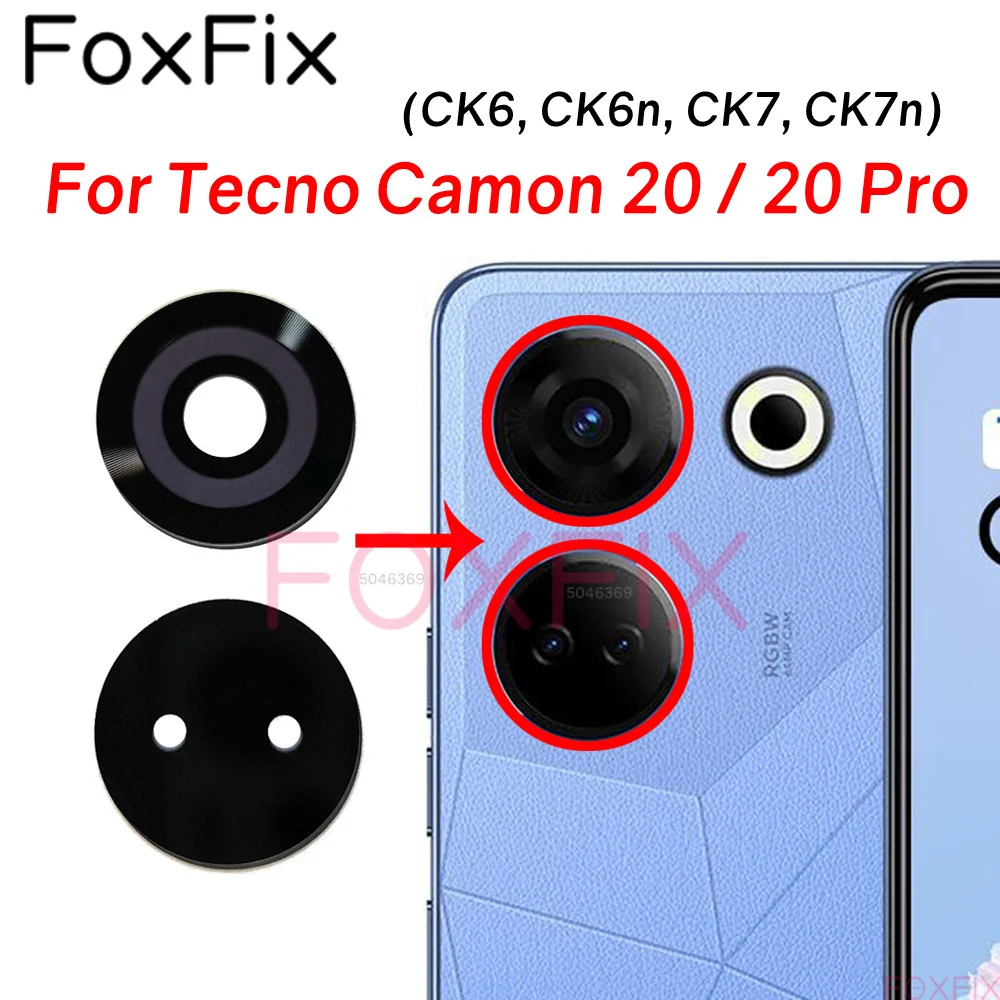
🪞 Enhance the functionality and longevity of your Tecno Camon 20 series smartphone with this premium Back Camera Lens Glass replacement. Designed specifically for models including the Tecno Camon 20, 20 Pro, CK6, CK6n, CK7, and CK7n, this component offers a seamless fit and superior protection for your device’s rear camera.
🔧 Product Features:
High-Quality Material: Crafted from durable, high-quality tempered glass, this lens provides exceptional resistance to scratches, cracks, and daily wear and tear, ensuring that your photos maintain their clarity and quality.
Protective Coverage: The lens cover acts as a reliable shield for your camera lens, preventing damage that could occur from accidental drops or contact with abrasive surfaces.
Sleek Design: Seamlessly blends with the phone's overall aesthetic, maintaining the sleek and stylish look of your Tecno Camon device.
Effortless Installation: Designed for simple installation, enabling users to easily replace the broken or scratched lens with minimal hassle.
🪞 Installation Guidelines:
For optimal installation results, please follow these essential steps:
Before starting, ensure your device is powered off and the battery is removed to prevent any electrical issues.
Warm the adhesive of the existing camera lens with a heat gun or hair dryer to facilitate easier removal.
Exercise caution when detaching the old lens to avoid damaging the camera sensor or nearby components.
Apply a specified adhesive suitable for mobile repairs to the new camera lens and position it accurately over the camera sensor.
Gently press down using a flat object, such as a credit card, to secure the new lens in place effectively.
After installation, power on your device and test the camera functionality to ensure everything is in working order.
🔒 Installation Reminder:
Confirm that you are selecting the correct model and variant before proceeding with your replacement.
Installations should be handled by individuals familiar with mobile repair; if unsure, consider consulting a professional technician for assistance.
Use only the recommended adhesives designed for mobile spare parts to avoid complications. Applying incorrect adhesives may void warranties and cause permanent damage.
🪞 Restore your camera's performance and maintain your phone's elegance with our Back Camera Lens Glass replacement—your solution for a clear view and stunning photos!