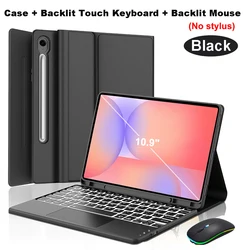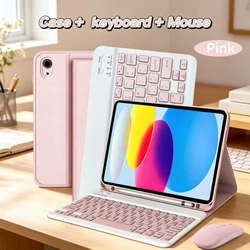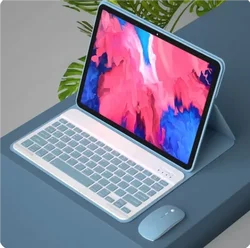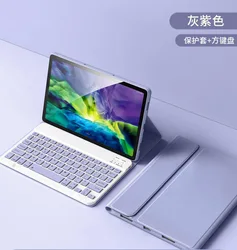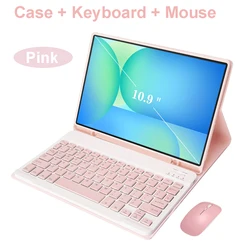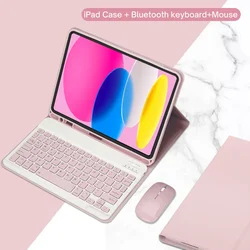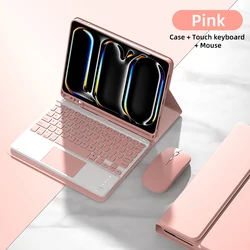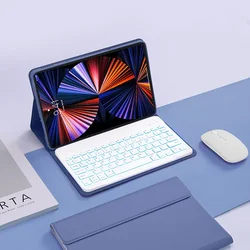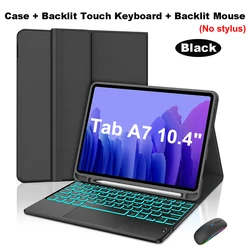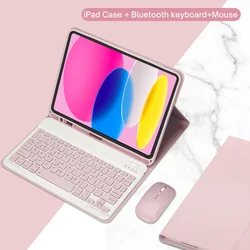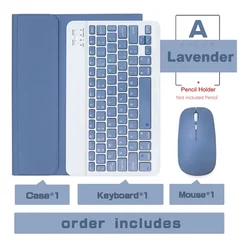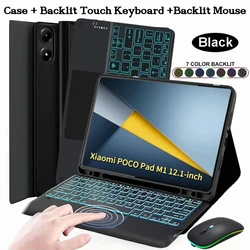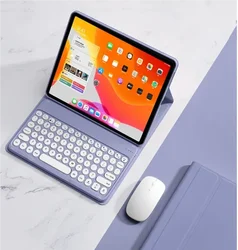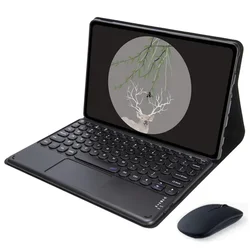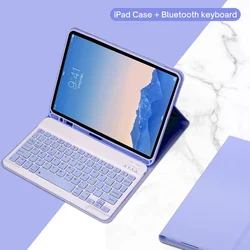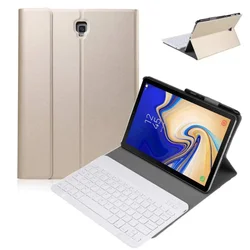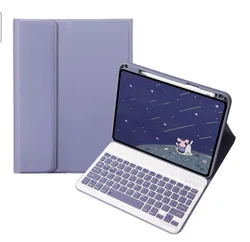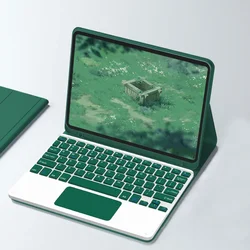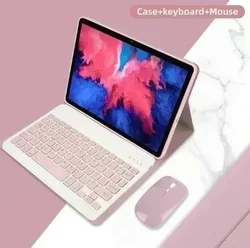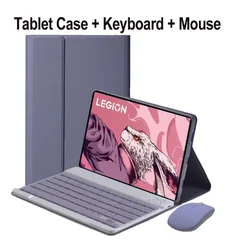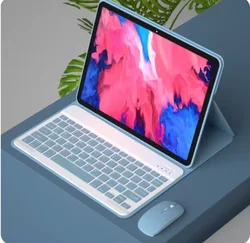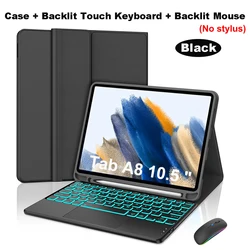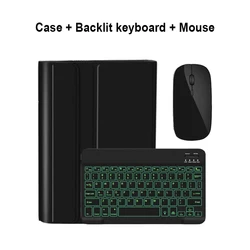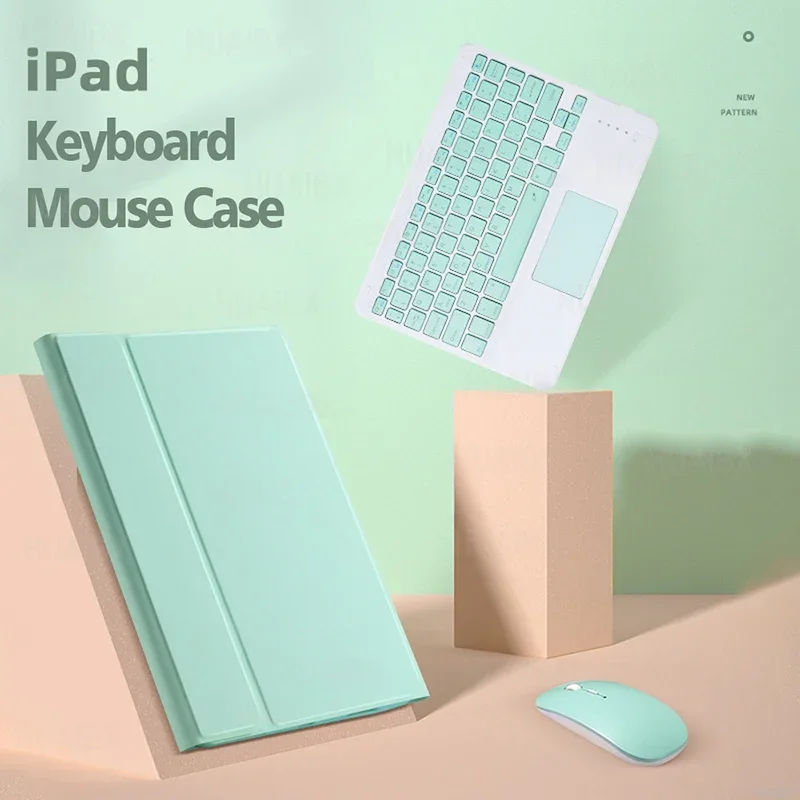


Enhanced Detachable Keyboard Case for iPad Air (5th Generation, 2022) & iPad Air (4th Generation, 2020)
✨ This stylish and functional detachable keyboard case is expertly designed for the iPad Air 5 (10.9 inch, 2022) and iPad Air 4 (10.9 inch, 2020), providing the ultimate combination of protection and versatility for your tablet. Crafted for maximum convenience, this keyboard case allows you to effortlessly switch between tablet mode and laptop mode, enhancing your productivity and enjoyment whether you're working, studying, or browsing.
🎯 Compatibility Check: Before making your purchase, ensure compatibility with your specific device model. The keyboard case fits the following iPad models:
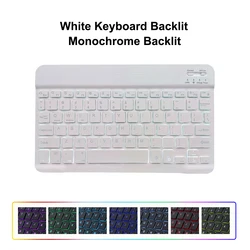
Keyboard Options: Choose between two distinct keyboard styles to suit your needs:
💍 Please note that the tablet and stylus are not included, and the actual product may vary slightly in color from what is depicted.
👌 Connection Instructions: Getting started with your keyboard and mouse is easy:
🧩 Frequently Asked Questions:
🔘 1. First-time Mouse Connection: To successfully connect the mouse for the first time, press the left button, right button, and scroll wheel simultaneously for 3-5 seconds.
🔵 2. Scroll Direction: The scroll direction differs between USB and Bluetooth connections; they do not operate the same way.
3. Switching Operating Systems: Easily toggle between systems with designated key combinations: Fn+Q for Android, Fn+W for Windows, and Fn+E for iOS. Be sure to switch before connecting the tablet.
🔵 4. Keyboard Letter Issues: If the letters are displaying incorrectly, check your settings: ensure the keyboard language is set to English. Disconnect and reconnect the Bluetooth device while selecting the correct system. Use Fn shortcuts to confirm your settings, and reset the keyboard if needed.
💍 5. Configuring Input Methods for Different Languages: For devices like Samsung tablets, navigate to "Settings -- System -- Language & input -- Add New Keyboard" to configure language input methods.
🧰 6. Adjusting Mouse Scroll Wheel Direction: After connecting your mouse, go to "General" - "Trackpad & Mouse" settings, and toggle "Natural Scrolling" off to align the scroll direction with your preference.
If this item arrives after the delivery date given at checkout, you will be emailed a €6.00 credit voucher to use on your next order